Digital Identity Protection: 8 Steps to Prevent Data Breaches in 2026
Anúncios
Protecting Your Digital Identity in 2026: 8 Actionable Steps to Prevent Data Breaches
In an era defined by pervasive digital connectivity, our lives are increasingly intertwined with the online world. From banking and shopping to social interactions and professional endeavors, nearly every facet of our existence leaves a digital footprint. This extensive online presence, while convenient, also exposes us to a myriad of risks, with data breaches and identity theft looming as significant threats. As we navigate through 2026, the sophistication of cyber threats continues to evolve, making robust digital identity protection more critical than ever before.
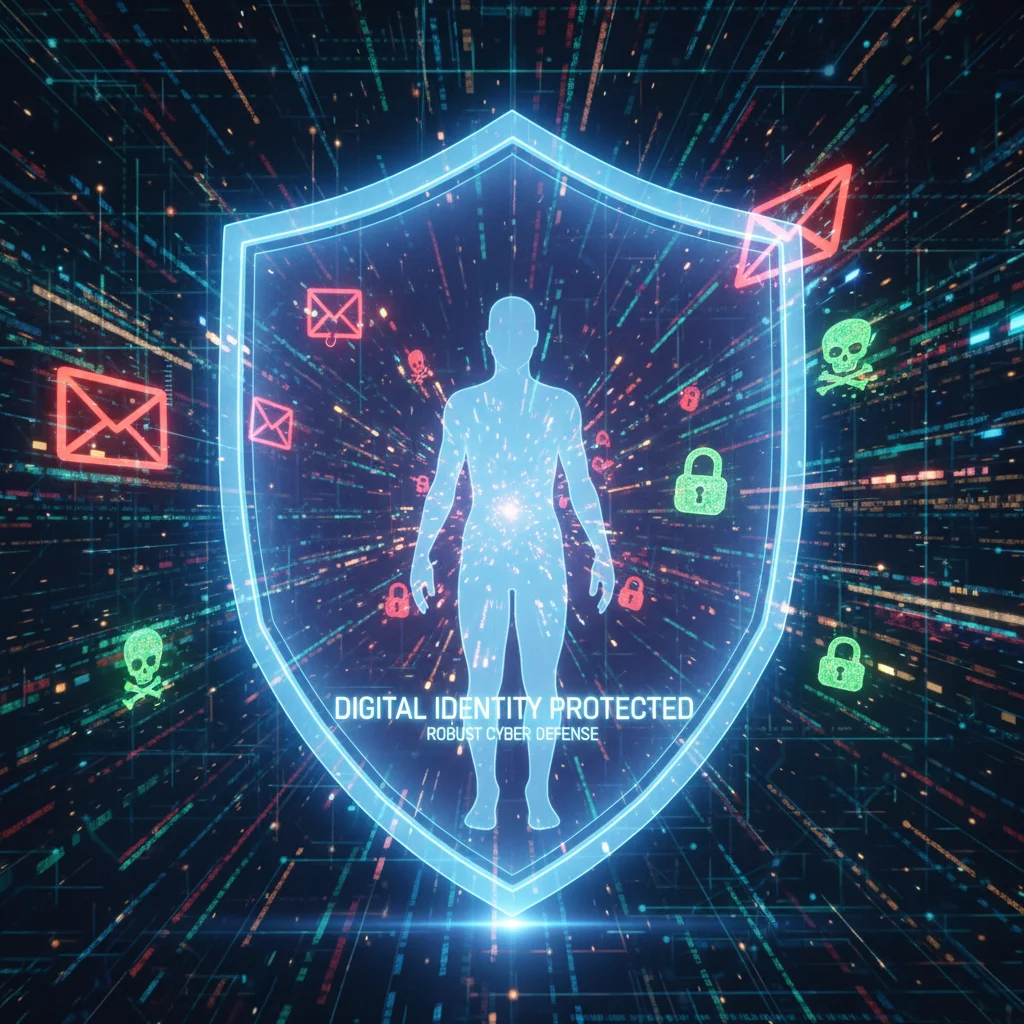
The concept of digital identity protection encompasses the measures and practices individuals and organizations employ to safeguard their personal information and online presence from unauthorized access, misuse, and theft. It’s not merely about securing a single password; it’s about a holistic approach to managing your digital footprint, understanding privacy implications, and proactively defending against malicious actors. Data breaches, once an occasional headline, have become an almost daily occurrence, impacting millions of individuals and eroding trust in digital systems. The financial, emotional, and reputational damage resulting from such breaches can be devastating, underscoring the urgent need for comprehensive protective strategies.
Anúncios
This article serves as your essential guide to fortifying your digital defenses in 2026. We will delve into eight actionable steps that you can implement immediately to significantly enhance your digital identity protection and minimize your vulnerability to data breaches. These steps are designed to be practical, effective, and adaptable to the ever-changing cybersecurity landscape. By embracing these practices, you can take control of your digital life, secure your personal data, and navigate the online world with greater confidence and peace of mind.
1. Implement Strong, Unique Passwords and a Reliable Password Manager
The foundation of effective digital identity protection begins with your passwords. Despite years of warnings, many individuals still rely on weak, easily guessable passwords or reuse the same password across multiple accounts. This practice is akin to leaving all the doors to your house unlocked and using the same key for every one of them. If a single service suffers a data breach and your reused password is exposed, all your other accounts become immediately vulnerable.
In 2026, the standard for a strong password is no longer just a mix of uppercase, lowercase, numbers, and symbols. It needs to be long – ideally 12 characters or more – and completely unique for every single online account. Remembering dozens, if not hundreds, of such complex passwords is practically impossible for the average user. This is where a reliable password manager becomes an indispensable tool for digital identity protection.
Anúncios
Why a Password Manager is Crucial:
- Generates Strong, Unique Passwords: Most reputable password managers can automatically generate highly complex, random passwords that meet stringent security requirements.
- Securely Stores Credentials: They encrypt and store all your login information in a secure, centralized vault, protected by a single master password.
- Auto-fills Login Forms: This convenience not only saves time but also protects against phishing attempts, as the manager will only auto-fill credentials on legitimate websites.
- Identifies Weak or Reused Passwords: Many password managers include auditing features that can identify compromised, weak, or reused passwords, prompting you to update them.
Popular and highly-rated password managers include LastPass, 1Password, Bitwarden, and Dashlane. While some offer free tiers, investing in a paid version often provides enhanced features and customer support, further bolstering your digital identity protection efforts. Make sure your chosen password manager itself is protected by a very strong, unique master password and, crucially, multi-factor authentication.
2. Activate Multi-Factor Authentication (MFA) Everywhere Possible
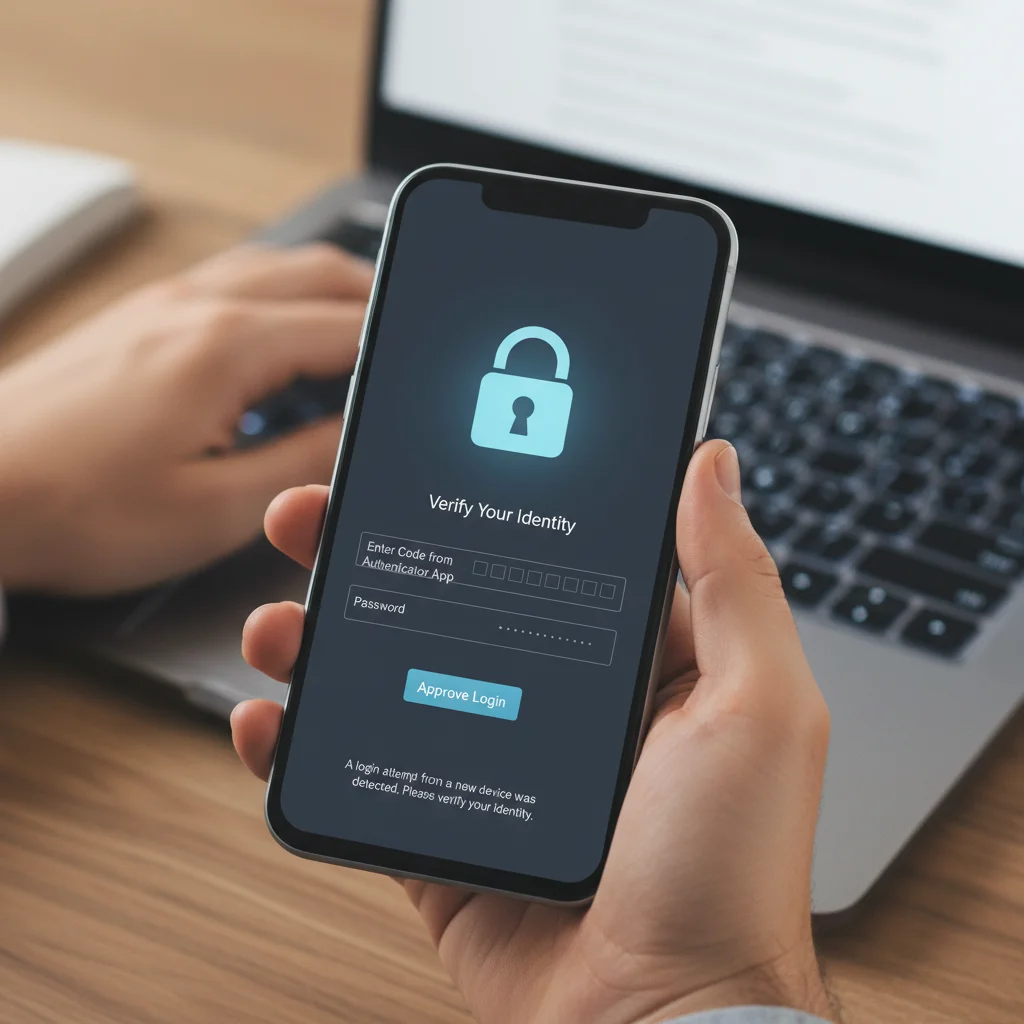
Even the strongest password can be compromised through sophisticated phishing attacks, keyloggers, or data breaches. This is why Multi-Factor Authentication (MFA), sometimes referred to as Two-Factor Authentication (2FA), is a non-negotiable layer of digital identity protection in 2026. MFA requires you to provide two or more verification factors to gain access to an account, typically something you know (your password) and something you have (a code from your phone, a physical key) or something you are (a fingerprint, facial scan).
Common Types of MFA:
- Authenticator Apps: Apps like Google Authenticator, Microsoft Authenticator, or Authy generate time-sensitive codes. These are generally more secure than SMS codes.
- Hardware Security Keys: Physical devices like YubiKeys provide the highest level of security, requiring you to physically insert or tap the key to authenticate.
- SMS Codes: While better than no MFA, SMS codes can be vulnerable to SIM-swapping attacks. Use them only if no other option is available.
- Biometrics: Fingerprint scans or facial recognition (e.g., Face ID) are increasingly common, especially on mobile devices.
The principle behind MFA is simple: even if a cybercriminal manages to steal your password, they won’t be able to access your account without the second factor of authentication. This dramatically increases the effort required for unauthorized access, making your accounts a much less attractive target. Make it a habit to enable MFA on every single service that offers it, especially for critical accounts like email, banking, social media, and cloud storage. It’s one of the most impactful steps you can take for robust digital identity protection.
3. Regularly Review and Adjust Your Privacy Settings
Many online platforms and services are designed to collect and share vast amounts of your personal data by default. While this data collection often serves to personalize your experience or deliver targeted advertising, it also expands your digital footprint and increases the potential surface area for a data breach. A critical component of digital identity protection involves proactively managing what information you share and with whom.
Every major social media platform (Facebook, Instagram, X/Twitter, LinkedIn), Google services, Apple services, and even many e-commerce sites have extensive privacy settings. These settings often control:
- Who can see your posts, photos, and personal information.
- Which apps and third-party services have access to your data.
- Your location sharing preferences.
- Ad personalization settings.
- Data retention policies.
It is imperative to dedicate time, at least once every few months, to meticulously review these settings across all your active online accounts. Many platforms periodically update their privacy policies and default settings, potentially reverting your previous choices or introducing new data-sharing options. Be vigilant about:
- Limiting Public Information: Share only what is absolutely necessary. Personal details like your full birthdate, phone number, and home address should almost never be public.
- Controlling Third-Party App Access: Revoke access for any apps or services you no longer use or don’t recognize.
- Understanding Location Data: Be mindful of which apps have access to your location and consider disabling it when not explicitly needed.
- Opting Out of Data Sharing: Look for options to opt out of data sharing with third parties for marketing or analytics purposes.
Taking control of your privacy settings is a proactive measure that significantly contributes to your overall digital identity protection strategy, reducing the amount of personal data available for potential exploitation.
4. Be Wary of Phishing and Social Engineering Attacks
Even with strong passwords and MFA, human error remains one of the weakest links in the cybersecurity chain. Phishing and social engineering attacks are sophisticated tactics used by cybercriminals to trick individuals into divulging sensitive information or installing malicious software. These attacks are constantly evolving, becoming more personalized and convincing, making them a persistent threat to digital identity protection.
Common Phishing Tactics:
- Email Phishing: Emails disguised as legitimate communications from banks, government agencies, popular services, or even colleagues, designed to steal login credentials or personal data.
- Spear Phishing: Highly targeted phishing attacks tailored to specific individuals or organizations, often using publicly available information to make the communication seem more credible.
- Smishing (SMS Phishing): Phishing attempts delivered via text messages, often containing malicious links or requests for personal information.
- Vishing (Voice Phishing): Phishing over the phone, where attackers impersonate legitimate entities to trick victims into revealing sensitive data.
To protect yourself, cultivate a healthy skepticism for unsolicited communications, especially those demanding urgent action or requesting personal information. Always:
- Verify the Sender: Check the sender’s email address carefully for subtle misspellings or unusual domains.
- Hover Before Clicking: Before clicking any link, hover your mouse over it (without clicking) to see the actual URL. If it looks suspicious, don’t click.
- Be Skeptical of Urgency: Cybercriminals often create a sense of urgency to bypass rational thought.
- Never Share Sensitive Information: Legitimate organizations will rarely ask for your password, social security number, or full credit card details via email or unsolicited calls.
- Report Suspicious Activity: If you suspect a phishing attempt, report it to your email provider or the impersonated organization.
Education and awareness are your best defenses against these insidious attacks, forming a crucial pillar of effective digital identity protection.
5. Keep Your Software and Operating Systems Updated
Software vulnerabilities are a primary entry point for cybercriminals. Developers constantly release patches and updates to fix security flaws, improve performance, and introduce new features. Neglecting to install these updates leaves your devices and data exposed to known exploits that attackers can easily leverage. This applies to your operating system (Windows, macOS, Linux, iOS, Android), web browsers, antivirus software, and all other applications you use.
Regular software updates are a fundamental, yet often overlooked, aspect of comprehensive digital identity protection. When a vulnerability is discovered, it often becomes publicly known, giving attackers a window of opportunity to exploit unpatched systems. Software developers work quickly to release fixes, but if you don’t install them, your systems remain vulnerable.
Best Practices for Updates:
- Enable Automatic Updates: Wherever possible, configure your operating systems and applications to update automatically. This ensures you receive critical security patches as soon as they are available.
- Check Manually: Periodically check for updates manually, especially for applications that don’t offer automatic updates.
- Don’t Ignore Update Prompts: Those annoying pop-ups asking you to restart your computer for updates are there for your protection. Don’t defer them indefinitely.
- Update All Devices: Remember to update not just your computer, but also your smartphone, tablet, smart home devices, and even your router firmware.
Keeping your software current is a straightforward yet highly effective way to close potential backdoors that cybercriminals might use to compromise your devices and steal your digital identity. It’s an ongoing commitment that pays dividends in enhanced security.
6. Use a VPN on Public Wi-Fi and Be Mindful of Network Security
Public Wi-Fi networks, found in cafes, airports, hotels, and libraries, offer convenience but often come with significant security risks. These networks are frequently unsecured or poorly secured, making it easy for cybercriminals to intercept your data, monitor your online activities, or even inject malware onto your devices. Using such networks without proper precautions can severely undermine your digital identity protection.
A Virtual Private Network (VPN) is an essential tool for anyone who frequently uses public Wi-Fi. A VPN encrypts your internet connection, creating a secure tunnel between your device and the internet. This encryption makes your data unreadable to anyone trying to intercept it, even if they are on the same public Wi-Fi network.
Benefits of Using a VPN:
- Data Encryption: All your internet traffic is encrypted, protecting your sensitive information (passwords, banking details) from eavesdropping.
- IP Address Masking: Your true IP address is hidden, making it harder for websites and third parties to track your online activity and location.
- Bypassing Geo-restrictions: While a secondary benefit, a VPN can allow you to access content that might be restricted in your geographical location.
When selecting a VPN provider, choose a reputable service with a strong no-logs policy, robust encryption standards, and a good track record. Paid VPN services are generally more reliable and secure than free ones, which may compromise your privacy by logging and selling your data. Beyond VPNs, also be mindful of your home network security:
- Secure Your Router: Change the default administrator password on your Wi-Fi router.
- Strong Wi-Fi Password: Use a strong, unique password for your Wi-Fi network (WPA2 or WPA3 encryption).
- Guest Network: If your router supports it, set up a guest network for visitors to keep your main network isolated.
Prioritizing network security, especially with a VPN on public Wi-Fi, is a vital component of robust digital identity protection.

7. Regularly Monitor Your Financial Accounts and Credit Reports
Even with the most stringent digital identity protection measures in place, data breaches and identity theft can still occur. Therefore, proactive monitoring of your financial accounts and credit reports is crucial for early detection and mitigation of potential damage. The faster you can identify suspicious activity, the quicker you can respond and limit the impact.
What to Monitor and How:
- Bank and Credit Card Statements: Review your bank and credit card statements regularly – ideally weekly or bi-weekly – for any unauthorized transactions, no matter how small. Even minor charges can be test runs by fraudsters.
- Credit Reports: In the United States, you are entitled to a free copy of your credit report from each of the three major credit bureaus (Equifax, Experian, TransUnion) once every 12 months via AnnualCreditReport.com. Stagger these requests throughout the year (e.g., Experian in January, Equifax in May, TransUnion in September) to monitor your credit file continuously.
- Credit Monitoring Services: Consider subscribing to a reputable credit monitoring service. These services alert you to significant changes in your credit report, such as new accounts opened in your name, address changes, or hard inquiries.
- Identity Theft Protection Services: For an added layer of protection, some services offer broader identity theft protection, which can include dark web monitoring, assistance with recovery, and insurance.
- Email and Online Account Alerts: Enable alerts from your banks and credit card companies for transactions above a certain amount, international transactions, or login attempts from new devices.
Detecting identity theft early is paramount. The longer fraudulent activity goes unnoticed, the more difficult and costly it becomes to resolve. Regular monitoring acts as your early warning system, significantly enhancing your overall digital identity protection strategy.
8. Backup Your Data Regularly and Securely
While not directly preventing identity theft, data backup is a critical component of overall digital identity protection and resilience. Losing important personal files, photos, documents, or professional work due to a system crash, ransomware attack, or device theft can be as devastating as an identity breach. Having secure backups ensures that even if your primary data source is compromised or lost, you can recover your essential information.
Effective Backup Strategies:
- The 3-2-1 Rule: This widely recommended strategy suggests having at least three copies of your data, stored on two different types of media, with one copy offsite. For example: your computer, an external hard drive, and a cloud backup service.
- External Hard Drives: A simple and often cost-effective solution for local backups. Ensure these drives are disconnected from your computer when not actively backing up to prevent ransomware from encrypting them.
- Cloud Backup Services: Services like Google Drive, Dropbox, OneDrive, Backblaze, or Carbonite offer automated, offsite backups. Choose services with strong encryption and a good privacy policy.
- Encrypt Your Backups: Whether local or cloud-based, encrypt your backup data. This adds another layer of security, ensuring that even if your backup media is stolen or the cloud service is breached, your data remains unreadable.
- Regularity: Establish a consistent backup schedule. For critical data, daily backups are advisable. For less frequently changed data, weekly or monthly might suffice. The key is consistency.
- Test Your Backups: Periodically verify that your backups are working correctly and that you can successfully restore files. A backup that can’t be restored is useless.
Integrating robust backup practices into your routine safeguards your valuable digital assets, providing peace of mind and ensuring business continuity or personal data recovery in the face of unforeseen events. This completes the holistic approach to digital identity protection.
Conclusion: A Proactive Stance on Digital Identity Protection
The digital landscape of 2026 presents both immense opportunities and significant challenges. While we embrace the conveniences of a connected world, we must also acknowledge and actively mitigate the inherent risks to our digital identities. The eight actionable steps outlined in this guide – from implementing strong passwords and MFA to vigilant monitoring and secure backups – form a comprehensive framework for robust digital identity protection.
Cybersecurity is not a one-time setup; it’s an ongoing process that requires continuous vigilance and adaptation. As cyber threats evolve, so too must our defenses. By making these practices a consistent part of your digital hygiene, you not only protect yourself but also contribute to a safer online environment for everyone. Take control of your digital destiny, empower yourself with knowledge, and proactively safeguard your most valuable asset in the digital age: your identity. Your peace of mind and security in the online world depend on it.